


Create and manage projects and administer your workgroup
When it comes to starting a project it's necessary to follow a roadmap of activities if you want to finish positively. The size of a project or company can become a problem when it comes to organizing and managing it, and it can end up working out to be very convenient to establish an iron grasp control thanks to guidelines and procedures, as well as establishing the purposes and objectives with complete exactitude. All the management task is now a lot easier thanks to the help and collaboration of Project.
Take part in the management of collaborative projects between people, teams and companies.
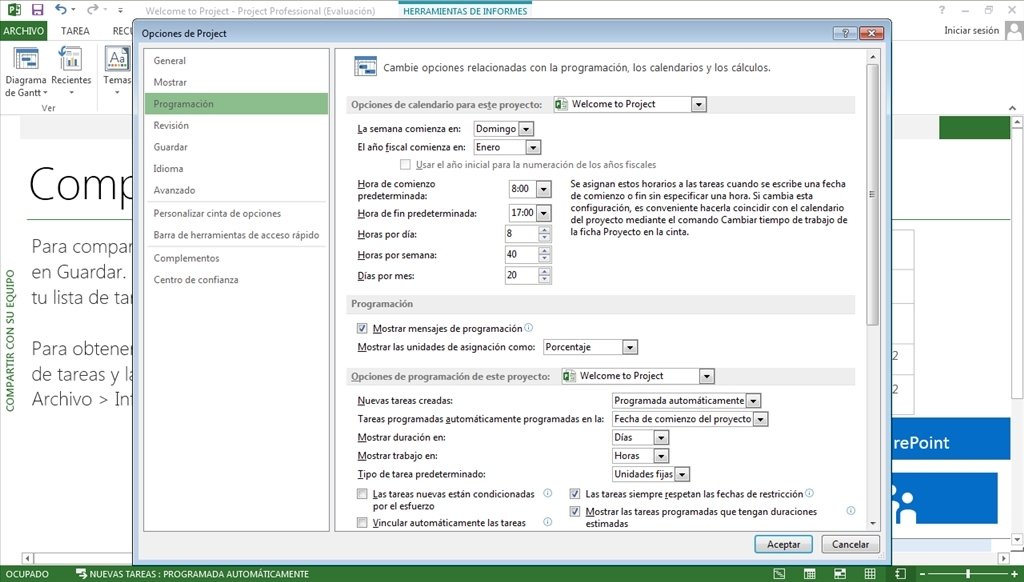
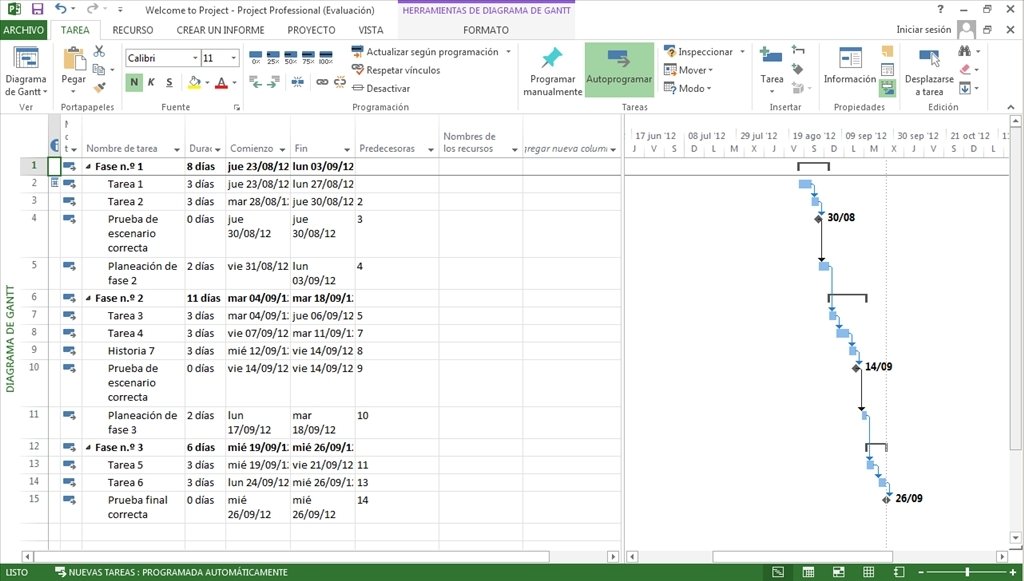
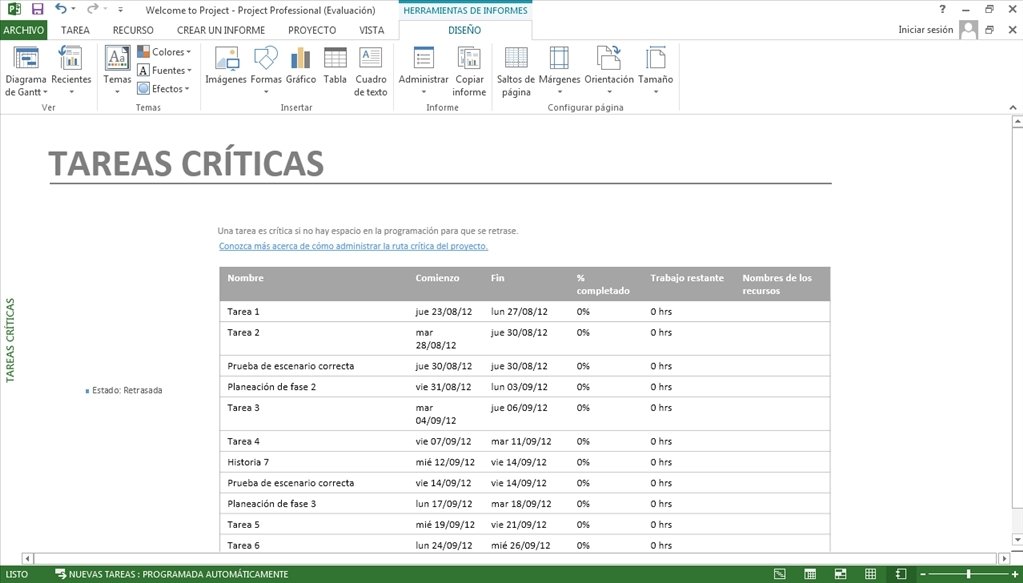
Project is an advanced project management application that will allow you to carry out an in depth follow up of the tasks and duties, clarify guidelines and roadmaps in the task, assign the resources available efficiently and highlight the objectives that are being sought.
Features of Project 2016
- Plan and control companies and projects: follow up the tasks and objectives.
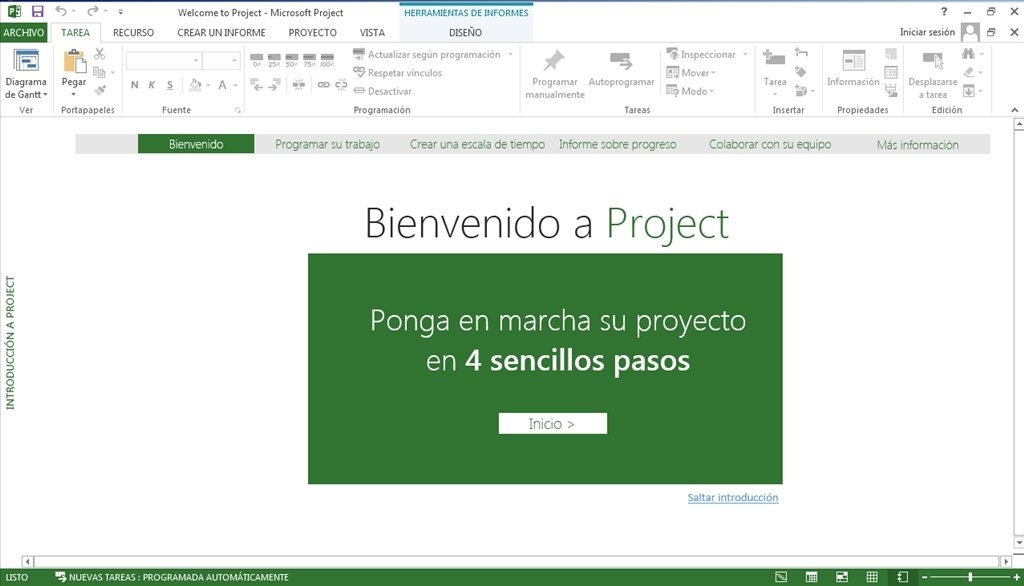
- Ribbon interface just like the latest products launched by Microsoft Office to make handling the application a lot more comfortable and familiar.
- Save time and effort with the familiar functions it includes.
- Create project calendars that are as flexible as your activity requires. Work with resumed data or alternate towards a more detailed focus depending on your needs.
- Establish alerts and reminders.
- Manage the work from a timeline that shows goals, events, etc.
- Assign tasks and resources and plan work for a full team.
- Possibility to share the information with the rest of members of a group.
Form effective workgroups
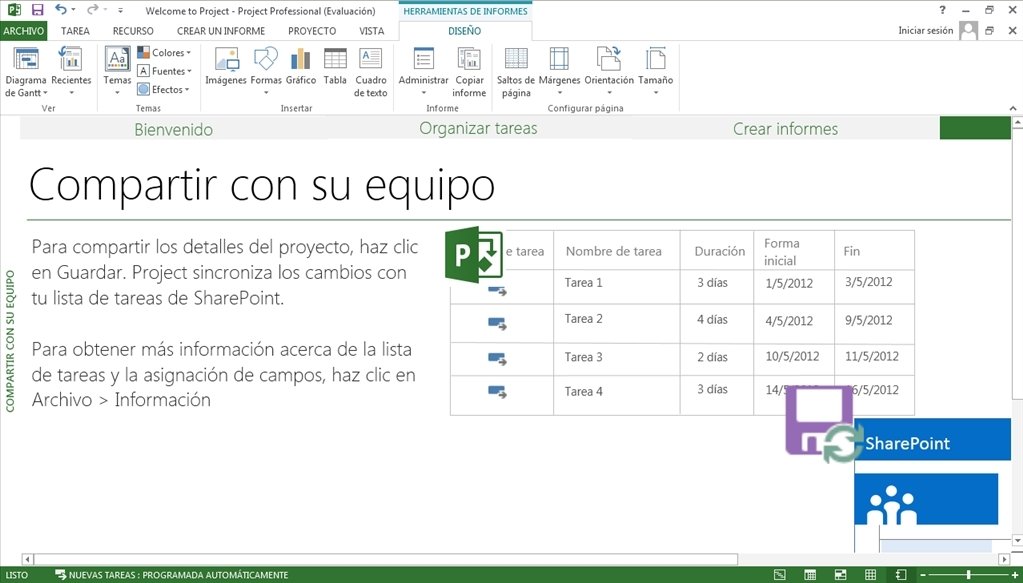
If you want to make the most of Project, using its collaborative functions is essential. For this purpose a complete integration with SharePoint Foundation has been developed. Synchronize both programs so that both you as well as the members of your team receive immediate updates that apply to task changes. Save your tasks in SharePoint Foundation and work as you go.
Furthermore, if you decide to implement Microsoft Project Server, you'll form the Microsoft Enterprise Project Management (EPM) suite, an integrated solution for the management of company work.
Requirements and additional information:
- The trial lasts for 60 days.
 Antony Peel
A Telecommunications Engineer, chance led me to the translation industry, where after a few years, I discovered another side of the world of technology while translating what others were writing about mobile applications and software. That...